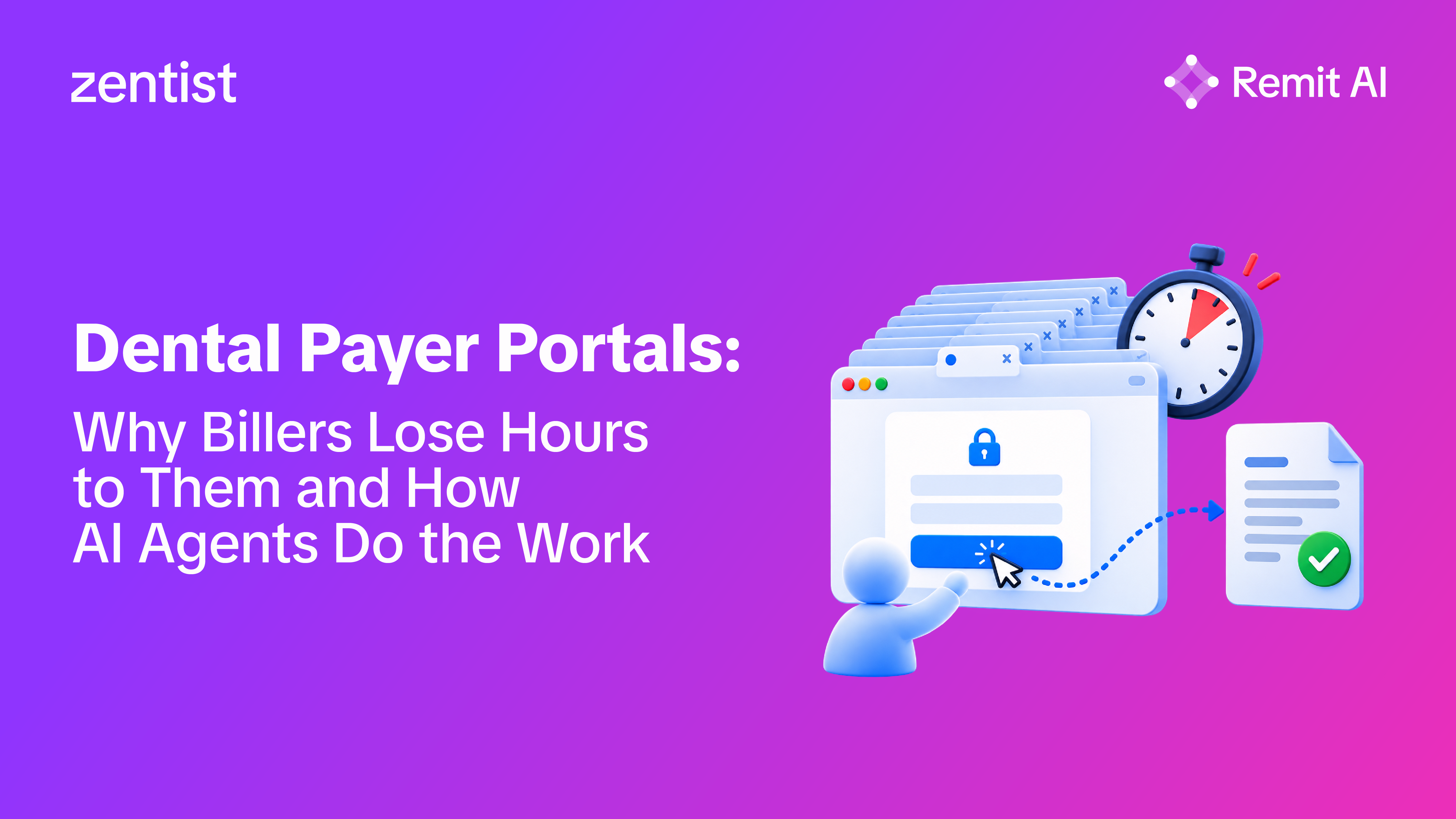
Ask a dental billing coordinator where the day goes, and the answer usually involves a browser full of tabs. One payer site for eligibility, another for claim status, a third for a remittance that never arrived electronically, then a fourth to find out why a claim bounced. None of it is difficult work. It is just constant, and it grows with every payer, provider, and location a practice adds.
What are dental payer portals used for?
Dental payer portals are insurer websites where providers look up information and complete tasks for that payer's members. Billing teams use them to verify eligibility and benefits before treatment, check the status of submitted claims, download EOBs and remittance details, review rejection and denial reasons, and upload attachments such as radiographs or narratives when a payer requests them.
That makes portals a core part of dental claims management. They are often the fastest place to answer a specific question about a specific claim, which is exactly why billers keep returning to them.
Why do dental payer portals take so much billing time?
The time goes into the workflow around the portals, not the portals themselves. Every payer has its own login, password rules, and multi-factor authentication, so a biller covering a dozen payers is managing a dozen sets of credentials. Each portal also organizes information differently, so the same question about claim status or a remittance means learning a different screen layout for each one.
Then comes the manual part. Once the information is found, someone has to download the file, name it, store it, match it to a deposit, and type the payment, adjustment, or status details back into the practice management system. Insurance claim tracking turns into a loop of logging in, searching, copying, and logging out, repeated claim by claim.

Why hasn't electronic data replaced payer portals?
Electronic standards cover much of this work, but they don't remove every reason to log in. HHS has adopted national standards for electronic transactions, including X12 270/271 for eligibility, 276/277 for claim status, and 835 for claim payment and remittance advice. The X12 835 Health Care Claim Payment/Advice transaction can deliver a payment, an EOB remittance advice, or both from an insurer to a provider. CAQH CORE writes the operating rules for eligibility, claim status, and payment and remittance that are federally mandated under HIPAA.
In practice, billers still end up in portals when a remittance hasn't come through electronically, when a rejection needs more detail than the response provides, or when a payer wants an attachment uploaded directly. Standards define the format of the data. They don't collect it, read it, or act on it for your team. For a closer look at how claims and responses move between practices and payers, see Zentist's guide to how dental insurance clearinghouses work.
How does payer portal work scale across multiple locations?
It scales with headcount, which is the problem. A single office can absorb portal work through routine: eligibility in the morning, EOB downloads after lunch, claim follow-up on Fridays. A dental group adding locations multiplies the payers, deposits, and open claims, and the same routine becomes a queue spread across dozens of portals and several people.
Variation creeps in at the same time. One location posts from an ERA while another keys in a PDF EOB by hand. One coordinator checks claim status weekly while another waits for a rejection to surface. Leadership ends up with slower posting, uneven follow-up, and AR reports that are harder to trust, and the usual fix is another hire.

How do AI agents handle payer portal work?
AI agents take over the repetitive retrieval and correction steps so billers only handle work that needs judgment. The right split is simple: software gathers information, organizes it, and completes well-defined tasks, while people make the calls on exceptions, appeals, and anything outside the rules.
Zentist's Remit AI removes the most common reason to log in. It collects EOBs and ERAs automatically from 725+ payers with no portal logins, then its Autoposting tool posts the payments into your practice management system. Remit AI reconciles deposits against remittance data and translates denial codes into plain-English reasons with a recommended next step. If your team wants a refresher on what those remittance documents contain, Zentist's guide to remittance advice in dental billing covers the basics.
For open and rejected claims, Caviar handles the rest. It automates claim statusing so teams stop checking back on claims that are simply in process, and it prioritizes open claims by what needs attention first. Its agentic claims review replaces the hunt through a payer portal: an AI agent logs in, diagnoses rejections across 13 rejection types, including subscriber and eligibility details, patient information, claim and charge lines, and missing documentation, then resubmits the claim. When a case still needs a person, the agent flags exactly what's required so the biller can pick it up from there.

What should you look for in dental billing solutions that reduce portal work?
Look for tools that eliminate manual portal logins rather than just organizing credentials. The strongest dental billing solutions collect remittances directly from a broad payer network, post payments into your existing practice management system, automate claim status checks, and handle routine rejections with a seamless handoff when human intervention is needed.
A few key questions separate true automation from a glorified dashboard: Does the tool integrate with all major practice management systems or just one? Does it actively resolve rejections or merely report them? Can billers clearly see which claims require action and why? And given the sensitivity of protected health information, is the vendor SOC 2 Type II certified, HIPAA compliant, and willing to sign a business associate agreement?
What should billers still own?
Billers should own the decisions. That includes appeals strategy, payer escalations, write-off approvals, unusual coordination of benefits, and any claim where clinical context matters. Automation is most valuable when it clears the routine volume, so experienced staff can spend their day on those claims instead of on logins and downloads.
This is also how dental groups grow without adding billing headcount at the same pace as locations. Zentist's article on how dental groups can scale without hiring more billing staff walks through that operating model.
Take portal work off your team's plate
Remit AI and Caviar handle EOB collection, payment posting, claim statusing, and rejection fixes for 5,000+ dental practices, so your billers can focus on the claims that need them. See how Remit AI works.
FAQ
Heading

Answer

