Most dental teams don't think about their software in categories until something forces the question: a contract renewal, a new location, or a billing backlog that keeps growing. Two categories come up more than any other: dental practice management software and dental revenue cycle management (RCM) software. They meet around billing, which is why they are easy to confuse, but each one is built for a different job.
What is the difference between dental practice management software and RCM software?
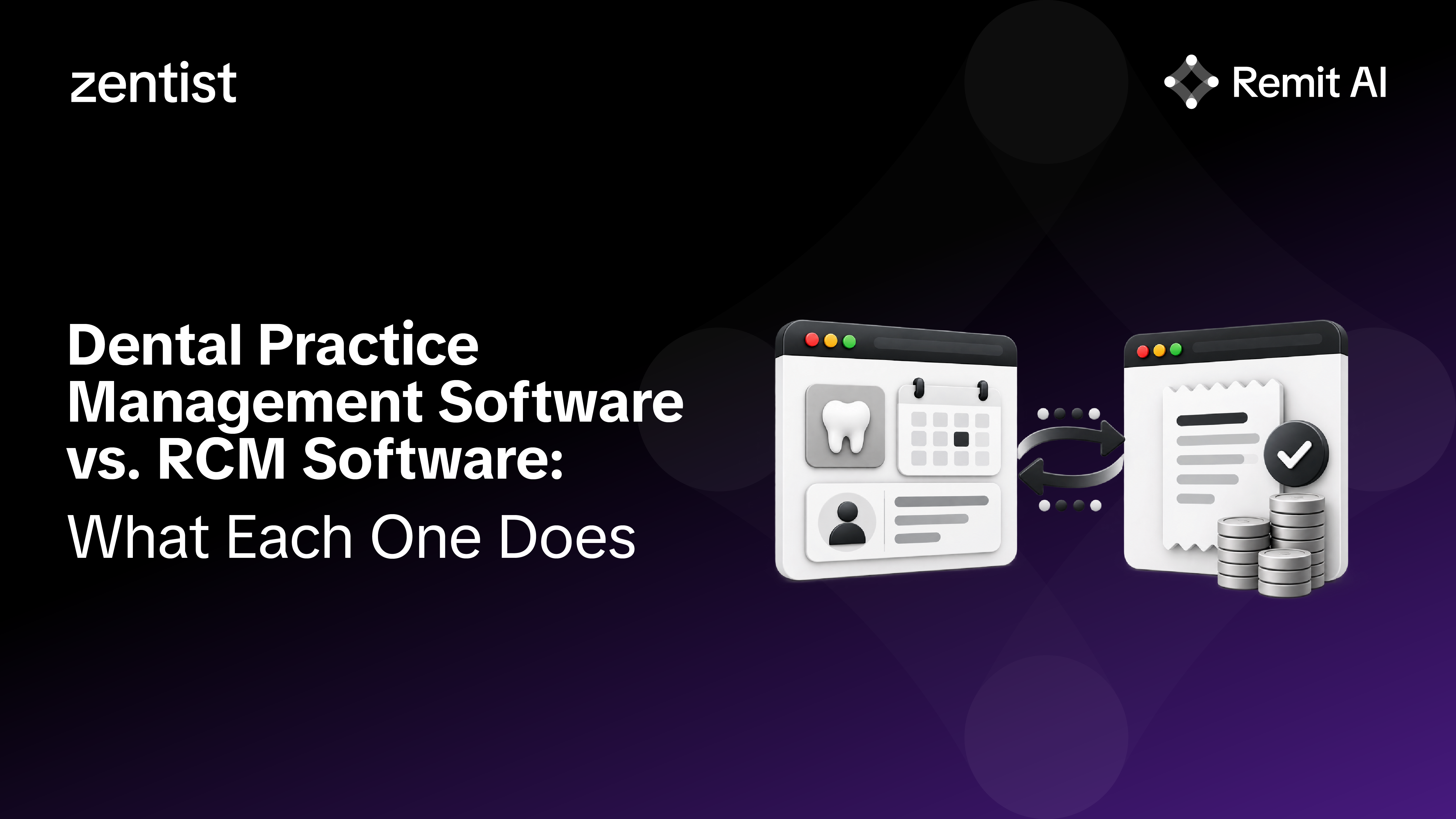
Dental practice management software is the system of record for the practice, while RCM software manages the insurance revenue work that follows treatment. The practice management system (PMS) runs the day-to-day: patients, schedules, clinical charts, treatment plans, claims, and ledgers. RCM software focuses on getting paid: collecting remittances, posting payments, reconciling deposits, and working denials and aging claims. Most practices that use RCM software keep their PMS as the source of truth and connect the two.

What does dental practice management software do?
Dental practice management software gives the whole office one shared place to run patient care and daily operations. Dental scheduling software is usually built in, so the team can manage provider calendars, appointment lengths, recalls, and cancellations in the same system that holds the patient record. Clinical teams use it for charting, treatment planning, and progress notes, and the front office uses it for demographics, insurance details, forms, and patient communication.
On the financial side, the PMS is where production happens. Staff enter completed procedures with their CDT codes, create claims from that record, and use patient ledgers and statements to track what is owed. Managers rely on its reporting for production, collections, case acceptance, and schedule performance. Whether a practice calls it dental office software, dental clinic software, or a dental management system, this is the foundation everything else depends on.
What does dental RCM software do?
Dental RCM software takes over the insurance revenue work that happens after a claim leaves the practice. That typically means collecting EOBs and electronic remittances from payers, posting payments and adjustments into the PMS, reconciling those payments against bank deposits, categorizing denials, and prioritizing aging claims for follow-up. Some RCM tools also cover eligibility checks or claim scrubbing, so scope varies by vendor.
The term dental billing software often covers both categories, which adds to the confusion. A useful way to separate them is to ask where the work happens: billing features inside a PMS help create and track claims, while RCM software is built to automate the high-volume tasks around payments and follow-up that sit between the payer and the practice.
How do practice management and RCM software work together?
The two systems share one claim's lifecycle, with the PMS at the start and the end. The PMS creates the claim, usually sending it through a clearinghouse to the payer. The payer responds with payment information, either on a paper EOB or electronically through the X12 835 claim payment and remittance advice transaction, one of the HIPAA-adopted standards for electronic transactions. RCM software collects that information, matches it to the right claims, and writes the payment results back into the PMS ledger.
When the integration works well, nobody rekeys data between systems and the PMS stays the single source of truth for every patient balance. That handoff is the most important thing to understand about how the two categories fit together, and the first thing to test when evaluating either one.

When does a practice need dedicated RCM software?
A practice needs dedicated RCM software when the volume of insurance payment work outgrows the time the team has to do it by hand. Common signals include posting backlogs, EOBs waiting days to be entered, unreconciled deposits, denials that are found late, and AR that ages because nobody has time to work it. These pressures grow quickly with each new provider, payer, and location.
A single office with modest insurance volume may manage well with the billing features inside its PMS. Groups and DSOs usually reach the point where automation pays for itself sooner. Whether to bring every function under one vendor is a separate decision, and Zentist's look at the vendor consolidation trap in dental RCM covers when consolidating helps and when it backfires.
What should you ask when evaluating each one?
The questions differ because the jobs differ. For dental practice management software, the focus is daily workflow: whether the front desk, clinical team, and billing staff can complete routine tasks without workarounds, how deep the charting and treatment planning tools go, what reporting managers can trust, and how well the system connects to imaging, forms, payments, and other tools. A dental practice management software comparison built around these needs tells you far more than a feature list.
For RCM software, the focus is how it works with the PMS you already have. Ask how it writes payments back into your PMS and which systems it supports, how many payers it collects from, how posting accuracy is reviewed, how denials are explained and routed, and what happens when a claim needs a person. Because RCM vendors handle protected health information, also confirm security certifications and a business associate agreement, which HHS requires when a vendor performs functions like claims processing or billing on a practice's behalf. Zentist's guide to questions to ask before buying dental billing software goes deeper on this list.

Where does Zentist fit?
Zentist is dental revenue cycle management software that works alongside all major dental practice management systems rather than replacing them. That includes Carestream Dental's practice management systems, where Remit AI is now available to Sensei Cloud and on-premises customers.
Remit AI collects EOBs and ERAs from 725+ payers, reconciles deposits against remittance data, and translates denials into plain-English reasons with a recommended next step. Its Autoposting tool posts payments directly into the PMS, so the ledger stays current without rekeying. Caviar prioritizes open claims by what needs attention first, and its agentic claims review uses an AI agent that logs in, diagnoses rejected claims, resubmits them, and flags any that still need a person. Claim creation and submission stay with your PMS and clearinghouse.
See how Remit AI works with your PMS
Remit AI and Caviar support 5,000+ dental practices across all major PMS systems, handling EOB collection, payment posting, reconciliation, and AR follow-up so your team can focus on patients and exceptions. See how Remit AI works.
FAQ
Heading

Answer

